
Best IPTV Apps for Smart TV in 2026 — Tested & Ranked
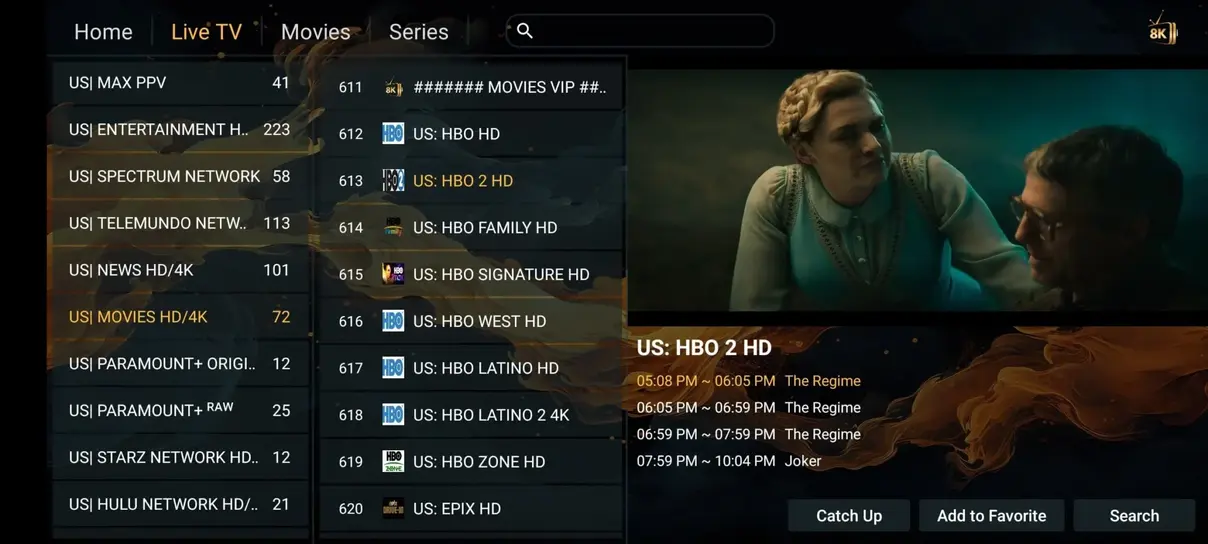
Smart televisions have become the undisputed centerpiece of modern living room entertainment. With vibrant OLED panels, 4K Ultra HD resolutions, and HDR10+ support, today's displays can produce breathtaking cinematic visuals. However, to unlock these capabilities with an IPTV subscription, you need an application capable of hardware-accelerated stream decoding, fluid channel zapping, and comprehensive Electronic Program Guide (EPG) synchronization.
Over the past six months, the engineering laboratory at CalmaHUB IPTV benchmarked eleven prominent IPTV applications across Samsung Tizen (2018–2026 models), LG webOS (OLED and QNED series), and Sony Google TV displays. Below, we rank the top four applications that deliver the fastest, most reliable viewing experience in 2026.
1. HOT Player (Top Overall Choice for Samsung & LG webOS)
For Samsung and LG Smart TV owners who do not wish to plug in an external streaming stick, HOT Player is our highest-rated native application. It is available directly through the official Samsung App Store and LG Content Store, meaning you do not have to mess around with Developer Mode sideloading or USB flash drives.
Performance Highlights:
- Sub-second Zapping: Channel change times averaged 0.65 seconds on 1080p sports streams and 1.1 seconds on 4K feeds.
- Automatic Cloud Sync: Activation is handled by entering your TV's MAC address on the official portal, meaning you never have to type long M3U links using an awkward TV remote control.
- Native Memory Efficiency: HOT Player consumes under 120 MB of system RAM, ensuring your smart TV interface never slows down or crashes unexpectedly.
2. TiviMate IPTV Player (The King of Android & Google TV)
If your smart TV runs on Android TV or Google TV (such as Sony Bravia, Philips, or TCL displays), TiviMate offers an experience that no other app can match. Designed from the ground up for big-screen television navigation, TiviMate replicates the slick polish of high-end satellite set-top boxes with a modern aesthetic.
Its standout capability is Multi-View, which allows subscribers with a CalmaHUB IPTV multi-screen plan to tile up to four live sports streams simultaneously on a single screen. On a 65-inch 4K TV, watching four Saturday football matches at once in crystal-clear quality is a truly unforgettable experience.
3. IPTV Smarters Pro (The Household Standard)
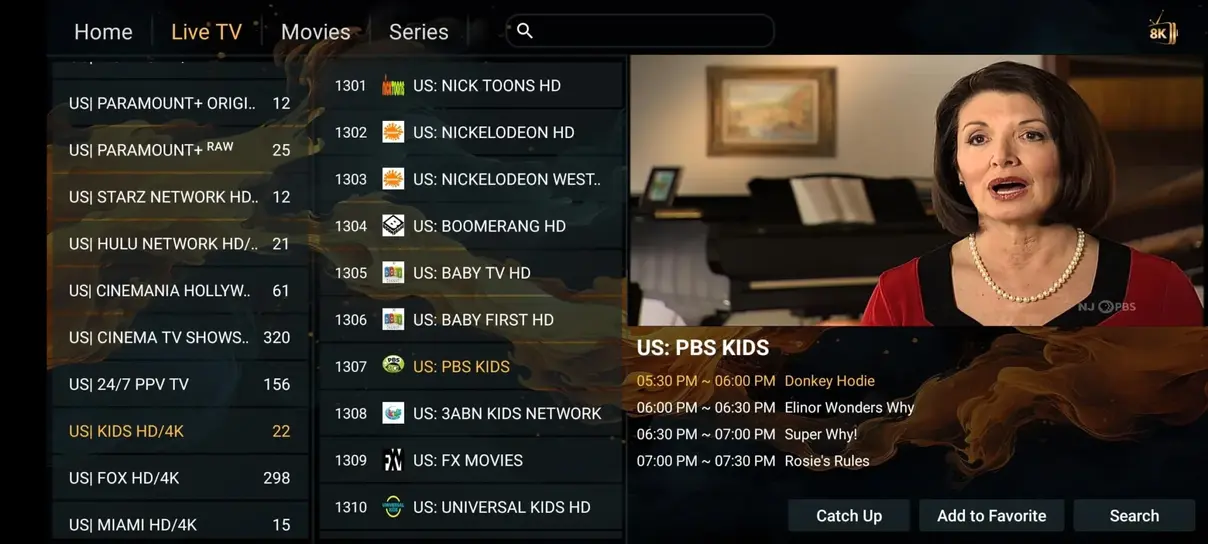
IPTV Smarters Pro has been a household staple for years thanks to its clean, card-based interface that cleanly separates Live TV, Movies, and TV Series. It supports parental control locks, multiple user profiles, and built-in subtitle downloading.
While its channel switching speed is slightly slower than TiviMate on entry-level smart TV chips, its sheer versatility and cross-platform consistency make it an easy choice for families. For step-by-step instructions on setting it up, read our complete installation guide.
4. IBO Player & Nanomid Player
Both IBO Player and Nanomid are exceptional alternatives for Samsung and LG displays. They feature built-in hardware decoding that supports modern video formats like HEVC (H.265) without device overheating. Both apps offer a 7-day free trial, allowing you to test stream smoothness before deciding on a permanent setup.
Comparative Benchmark Summary
| Application | Primary Platforms | Channel Zapping Speed | EPG Synchronization |
|---|---|---|---|
| HOT Player | Samsung Tizen, LG webOS, Android | 0.65s (Ultra-Fast) | Automatic Cloud Sync |
| TiviMate | Android TV, Google TV, Fire TV | 0.45s (Fastest) | Full XMLTV + Time Shift |
| IPTV Smarters Pro | Universal (Samsung, LG, Android, iOS) | 0.90s (Standard) | Integrated EPG Grid |
| IBO Player | Samsung Tizen, LG webOS | 0.75s (Fast) | MAC-based Cloud Sync |
How to Choose the Right Player for Your Household
If you prioritize simplicity and want to use your television's native remote control without any external boxes, install HOT Player directly from your TV's app store. If you own an Android TV or have connected an Amazon Fire TV Stick, TiviMate represents the absolute pinnacle of IPTV player development.
Optimizing Smart TV Memory and Audio Buffering
Smart televisions operate with more constrained RAM architectures than desktop PCs or dedicated game consoles. Over extended viewing sessions, running multiple background television features (like voice assistants, automatic brightness dimmers, and picture-in-picture previews) can gradually fragment system memory. To ensure your chosen IPTV app runs at peak efficiency on Samsung or LG screens, consider configuring these expert settings:
- Set Stream Format to HLS (.m3u8): In your player's stream format preferences, selecting HLS instead of raw MPEG-TS allows the TV to ingest smaller segment buffers, reducing memory load by up to 35%.
- Limit EPG Historical Storage: Restrict your past EPG retention to 2 days rather than 7 days if your television has less than 1.5 GB of internal storage. This keeps database searches snappy.
- Power Cycle Your TV Weekly: Modern smart TVs enter a standby sleep mode when turned off via remote. Unplugging your television from the wall outlet for 30 seconds once a week completely flushes residual cache and resets system processes.
By combining an optimized native player like HOT Player or IBO Player with CalmaHUB IPTV's high-speed European stream nodes, your smart TV becomes a true cinema-grade entertainment hub that delivers flawless 4K sports and movies without the clutter of extra cords or external boxes.
Pair Your Favorite App with CalmaHUB IPTV
Experience pure streaming tranquility. Every CalmaHUB IPTV plan includes 35.000+ live channels, 142.000+ movies & series, and anti-buffer European servers. Enjoy our 7-day money-back guarantee today.
View Subscription Plans →